Tools we work in: NVIDIA Isaac Sim, Isaac Lab, MuJoCo, Gazebo, ROS 2, MoveIt 2, cuRobo, LeRobot, ACT, Diffusion Policy, π0, GR00T, SmolVLA, RF-DETR, SAM 2, PyTorch
How we help
A demo that works once is easy. A cell that keeps working when the parts, the lighting and the shift change is the real job.
Decide model or no model, stage by stage
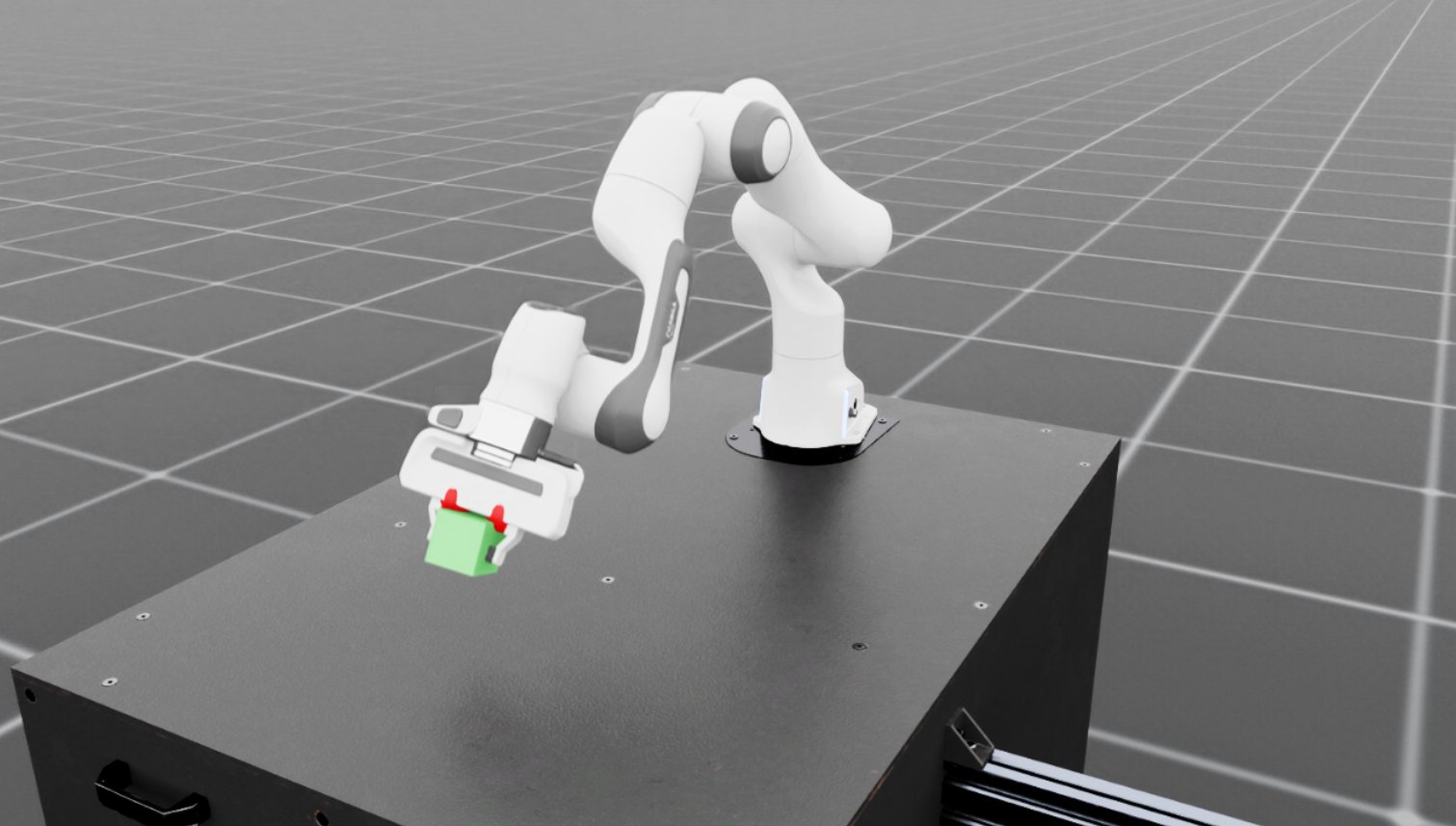
A robot task is a chain: see the part, choose a grasp, move, place. For each link we test a learned model against a programmed approach in your cell, on randomized scenes and then on hardware, and use whichever wins on success rate and cycle time.
How we decideLatest models, predictable behavior
We work hands-on with current imitation-learning and vision-language-action models, and wrap them in workspace limits, force limits and fallbacks.
Designed around your constraints
Cell conditions, network access on the floor, the GPUs you can train on and the compute that fits on the robot all shape the design.
Hybrid designs where they pay off
Learned perception with geometric grasp checks. A planner for free moves, a learned policy for the contact-rich last centimeters.
Proven in simulation before you buy
We model your robot, gripper, cameras and cell to check reach, layout and cycle time before you commit budget.
End to end, demonstration to deployment
Demonstrations, data, training, evaluation and installation on your floor. One team carries the project the whole way.
Every licence checked before it ships
YOLO is AGPL, FoundationPose is non-commercial, some grasp models need a locked key. We check code and weights before anything reaches your product.
Fits your systems, then handed over
ROS 2, your arms, cameras, PLCs and line controls. Then documented code, data and evaluation tools your engineers can run.
Model or no model
Learned models where they help, proven code where they don't
Every pick-and-place task runs through four stages: finding the part, choosing a grasp, moving the arm and handling contact. At each one we test both approaches and keep whichever is more reliable in your cell.
Stage 1 of 4: Perception
Where is the part, and which way is it facing?
Our usual call: Often learned
How we choose
If parts, fixtures and lighting are controlled, classical vision is cheaper and easier to certify. With many part types, clutter, or shiny and transparent parts, learned perception usually wins. We prove it on a held-out test set before we commit.
Programmed approach
- Fixed camera poses and fiducial markers (AprilTag, ArUco)
- Color and depth thresholds
- Template matching against CAD models
Learned approach
- Detection and segmentation models (RF-DETR, YOLO, SAM 2)
- 6-DoF pose estimation for known and new objects
- Trained on synthetic images plus a small real set
What we build
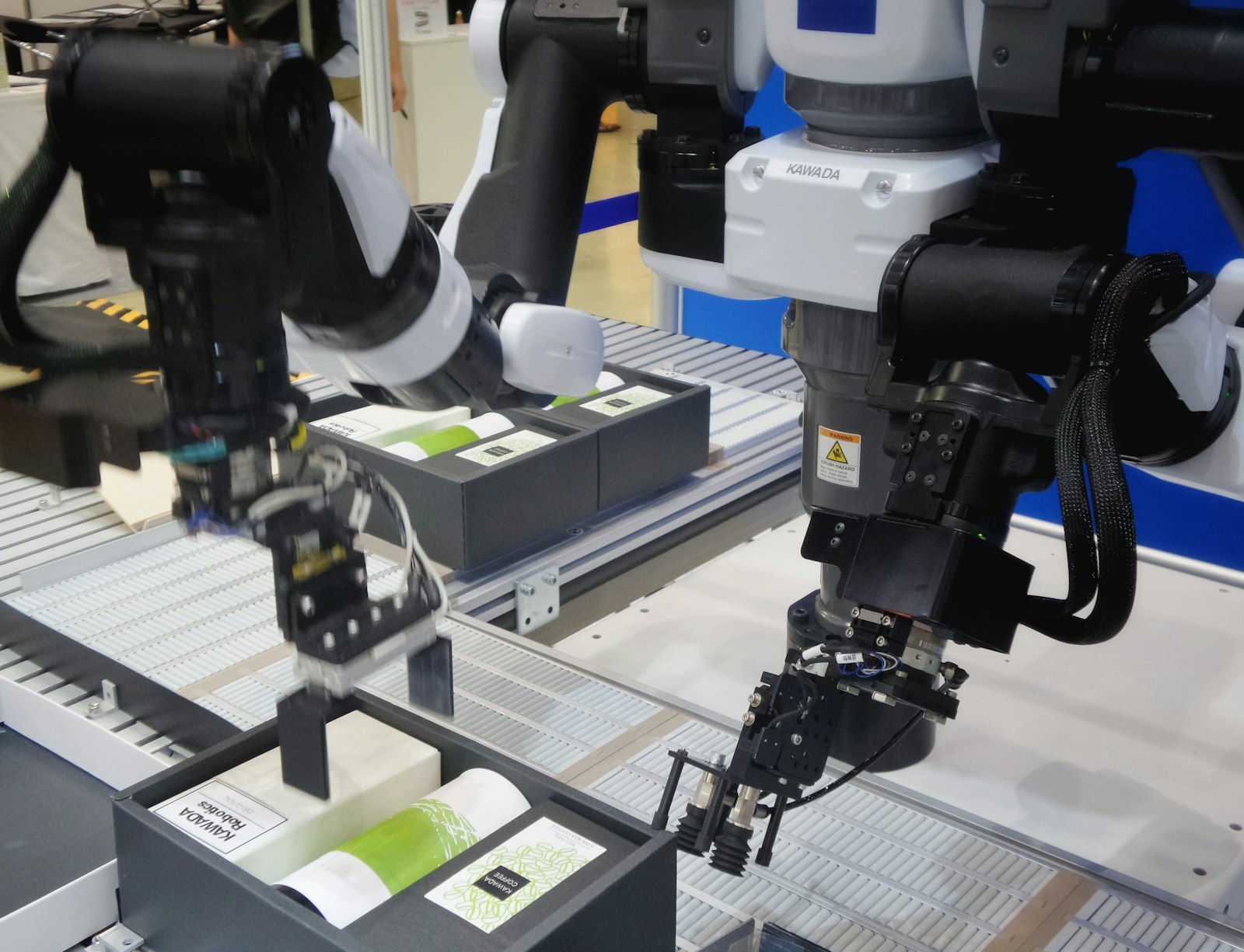
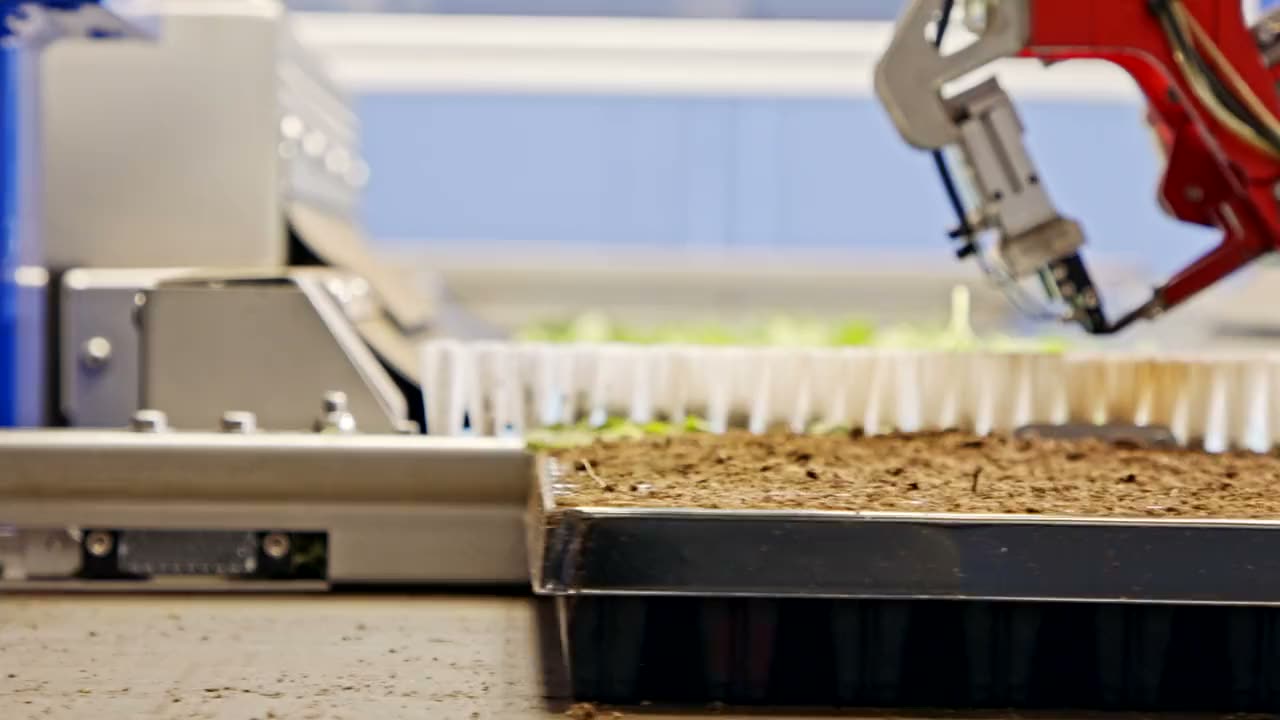
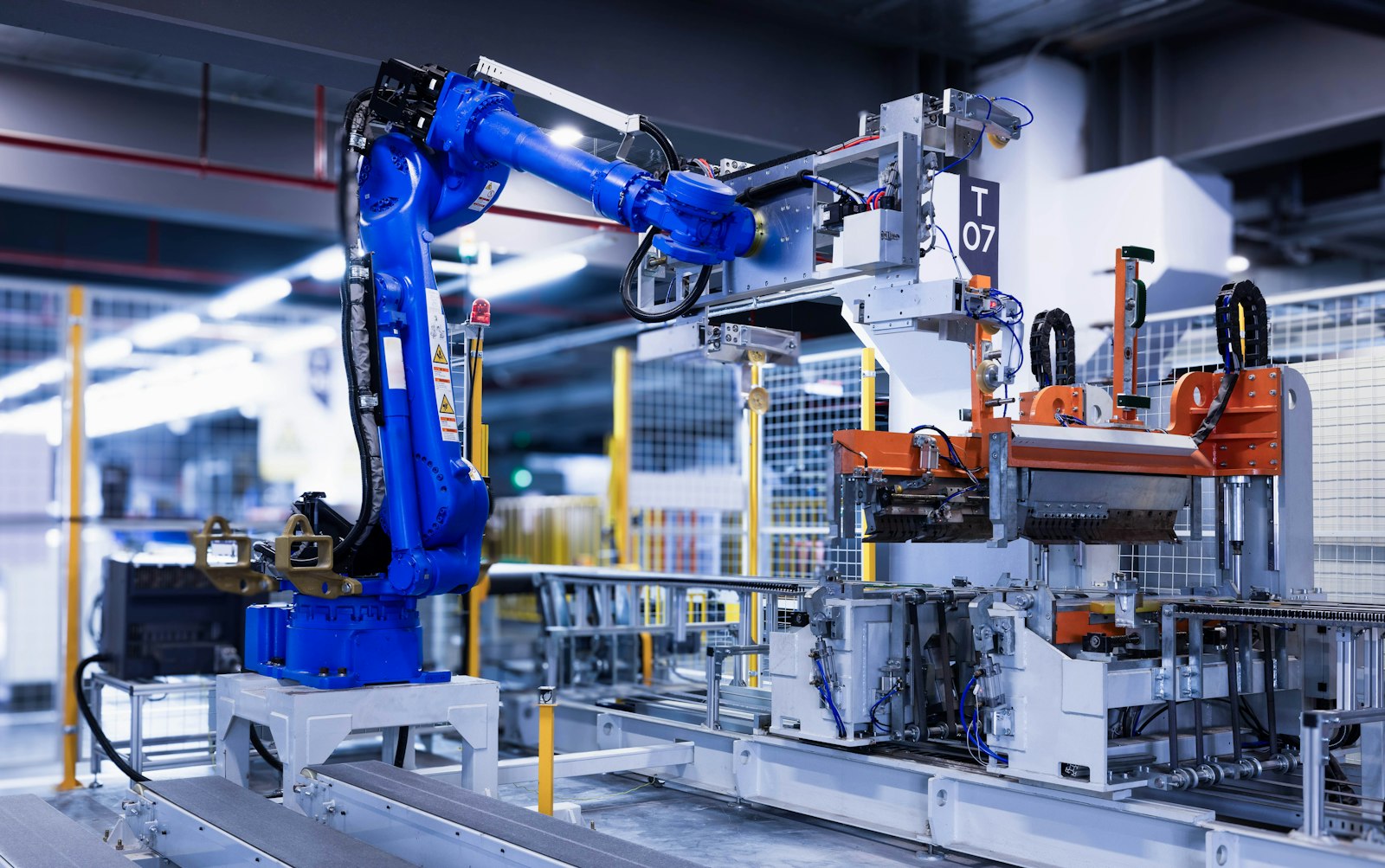
Ten areas of robotics engineering, grouped into five. Most projects use several of them; you can also bring us in for just one.

How a project runs
Five stages, each ending in something you can review before we move on.
Step 1: Scope the task
We study the cell from a visit or videos, agree on target success rate and cycle time, and decide model or no model for each stage.
A written plan with the approach per stage
Step 2: Build the simulation
Robot, gripper, cameras, parts and cell, modeled to match reality. We check reach and layout and settle the hardware choice.
A working simulated cell
Step 3: Collect data and train
Synthetic images, teleoperated demonstrations and simulated practice feed the perception models and policies.
Trained models and the data behind them
Step 4: Evaluate
Randomized trials in simulation, then a staged test on your hardware, compared against a scripted baseline.
A report you can sign off on
Step 5: Deploy and hand over
Installation on your floor, integration with ROS 2 and your line controls, monitoring, and training for your engineers.
A running cell your team owns
Before robotics: AI agents and DeFi
DoDAO spent years building AI agents and DeFi tooling for some of the largest protocols in Web3. Those products still run, and the habits carry over: ship to production, measure, and teach what we learn.
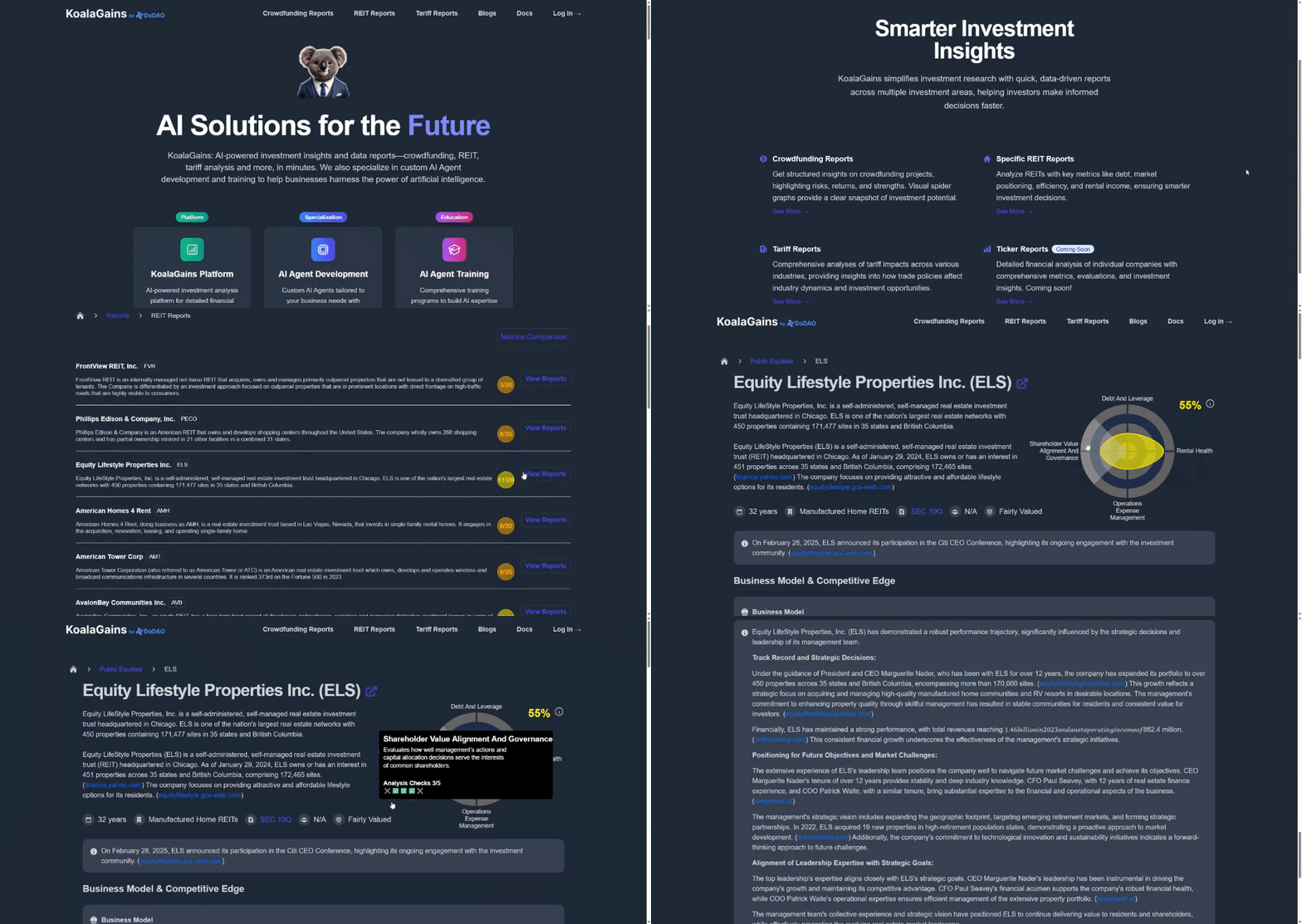
AI agents
KoalaGains
AI agents that read filings and score public companies, REITs and crowdfunding projects.
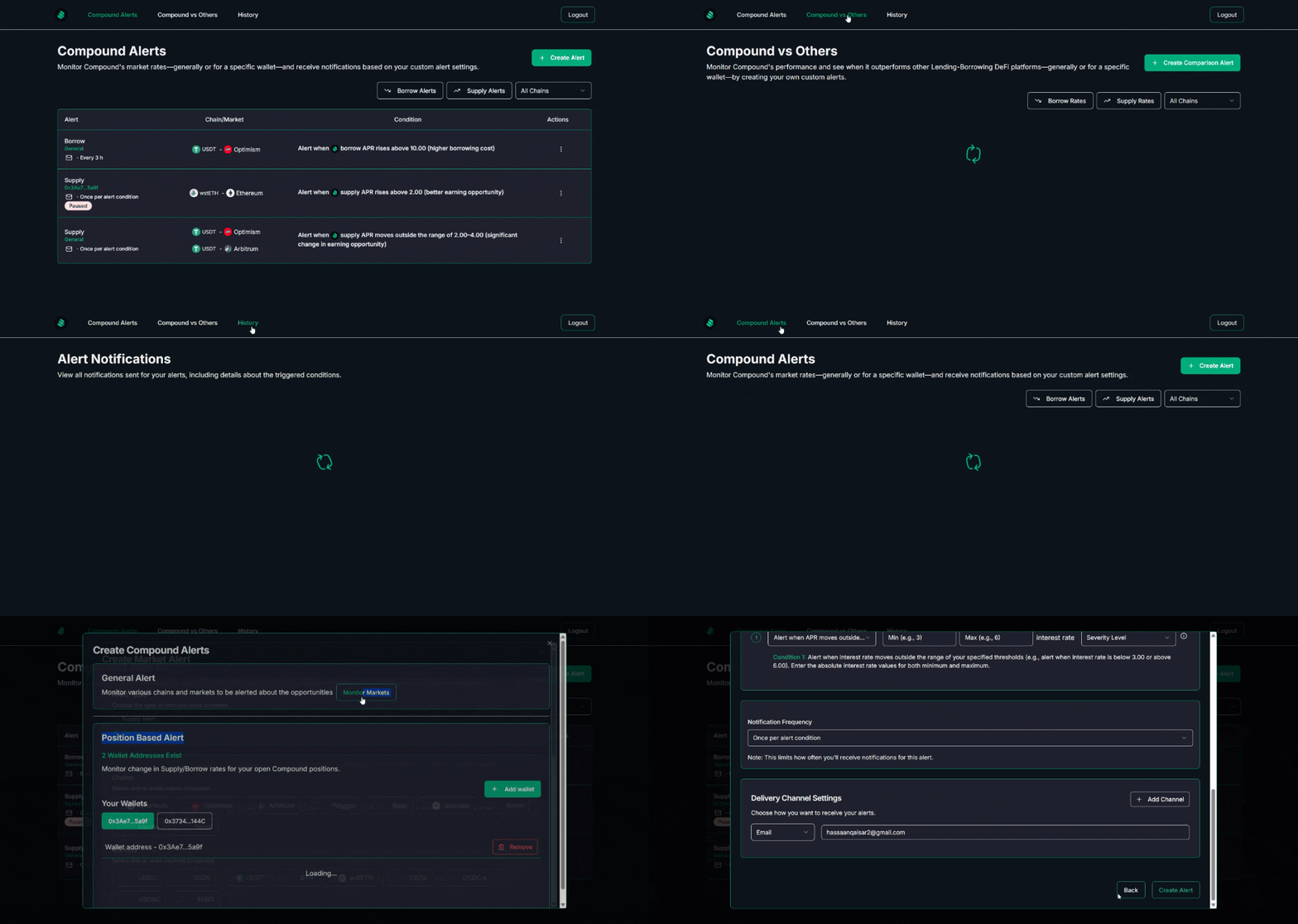
DeFi tooling
DeFi Alerts
Real-time alerts on yields, rates and position health across DeFi protocols and chains.
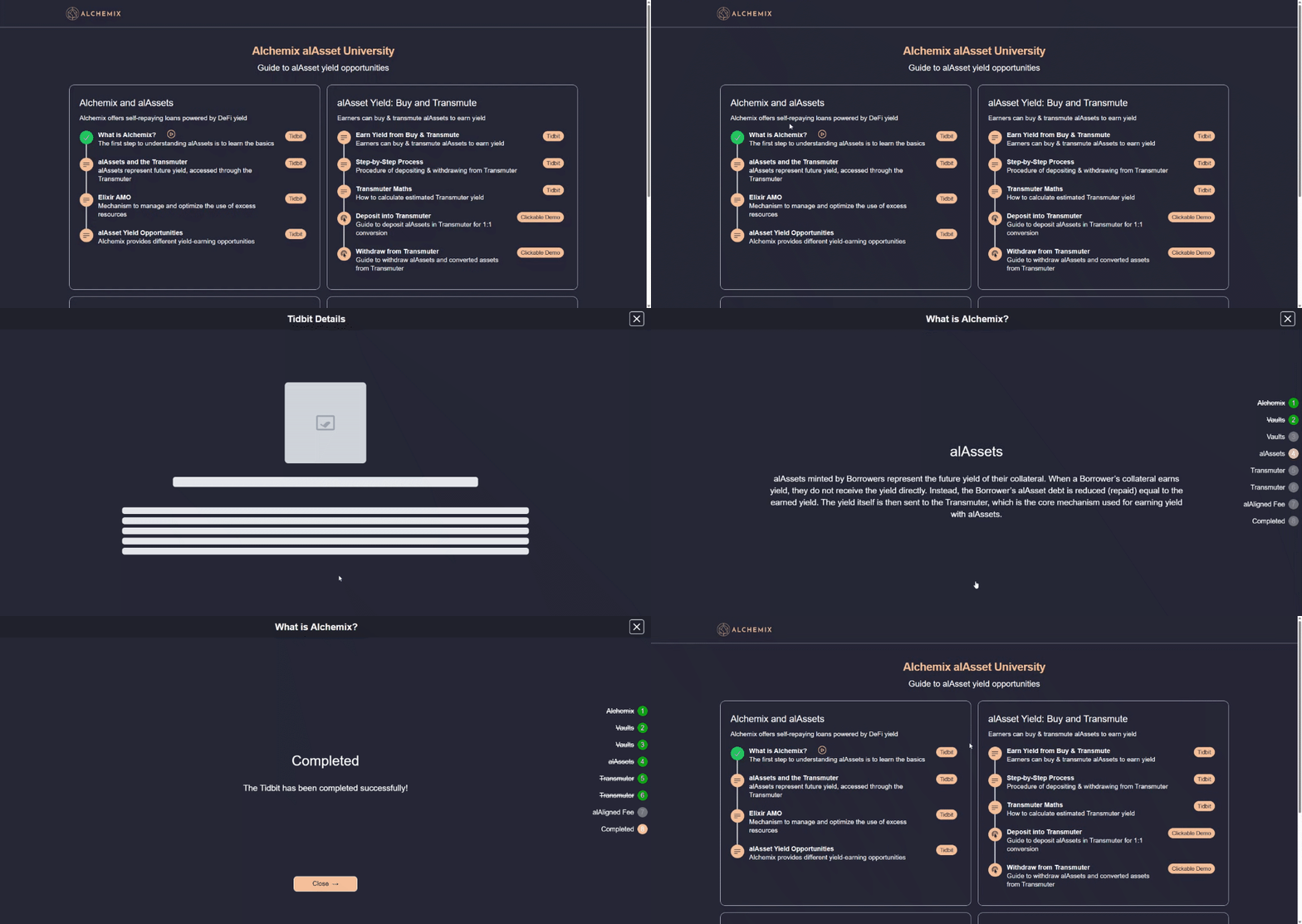
Education
Tidbits Hub
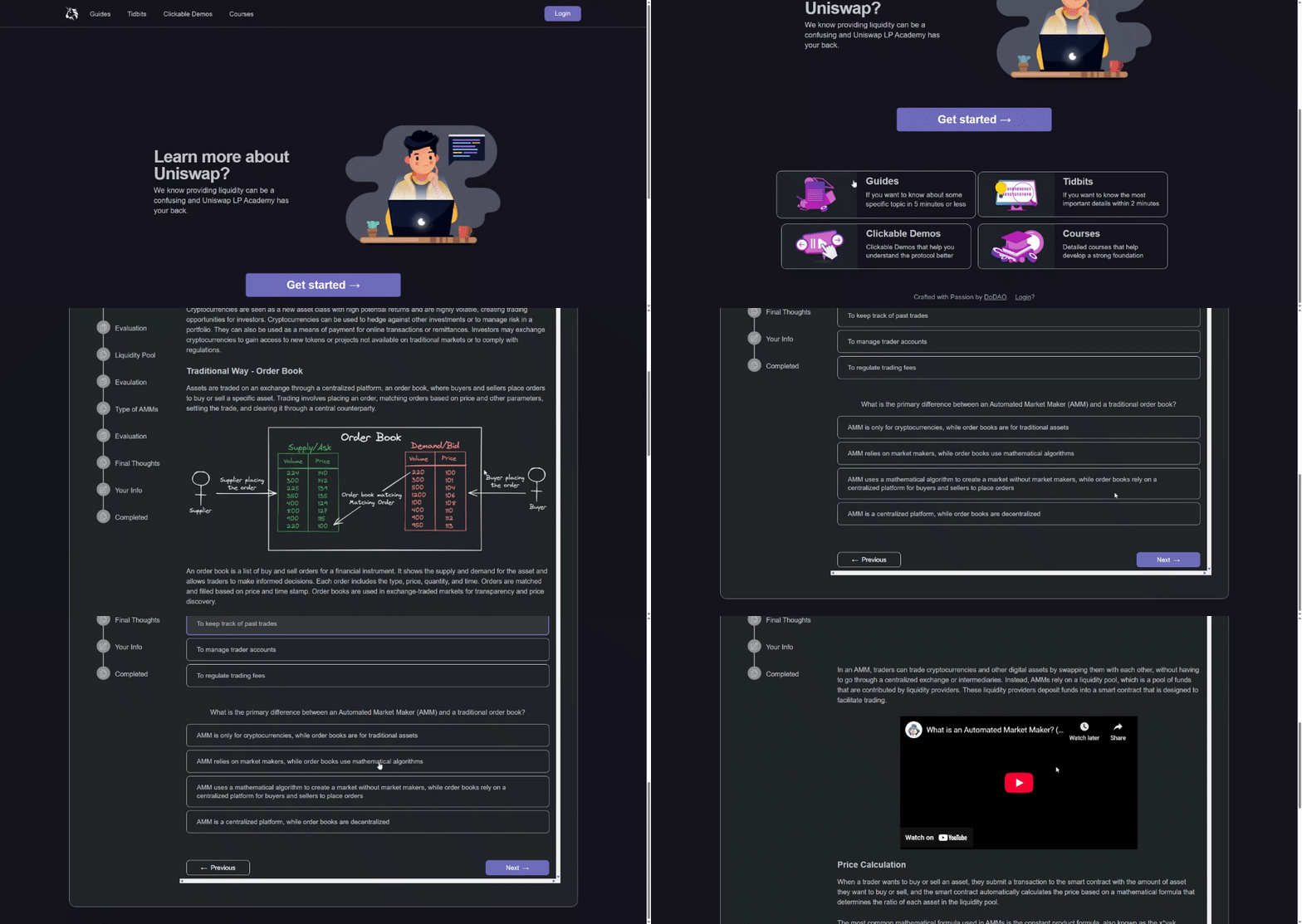
Short step-by-step lessons, one-minute videos and clickable demos.
Education
Academy Sites
Training sites with nano-courses, guides and demos, built for protocols and teams.
Teams we have built for